School · Kristiania · 2023
Artist API
A full-stack app where a record label keeps track of its artists: create, view, edit and delete artist profiles.

Summary
This project is an Artist API built with .NET/C# for the backend and React with TypeScript for the frontend. Originally a three-day exam assignment focused on basic CRUD operations for artists, I have since added features like album and song entities with relationships, database initialization, search, user feedback, error handling, styling and more.
The process
Relation Setup and Mockup
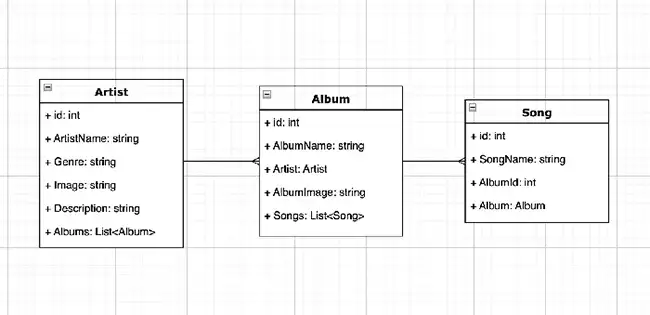
The first step involved setting up the relationships between the main entities: artists, albums and songs. This included creating mockups to visualize the data structure and relationships.
Initial Setup and Planning
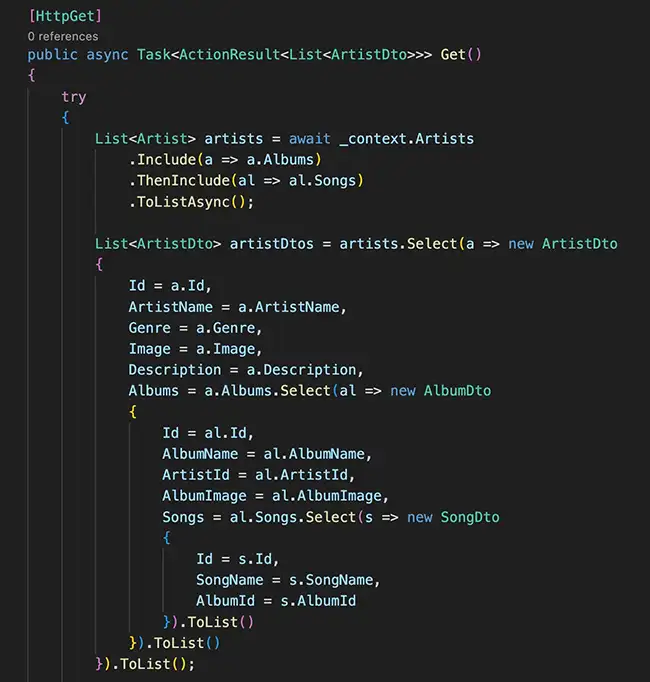
I started by setting up the web API with models, interfaces and controllers in .NET/C#. Once the initial setup was complete, I tested the endpoints using Swagger to make sure they worked correctly.
Database Initialization
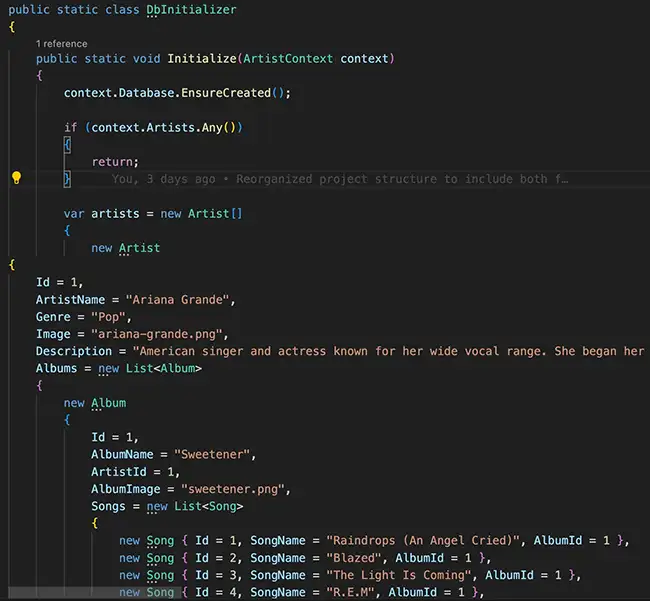
I added a DbInitializer class to populate the database with initial data: twelve artists, each with two albums and songs.
Frontend Setup
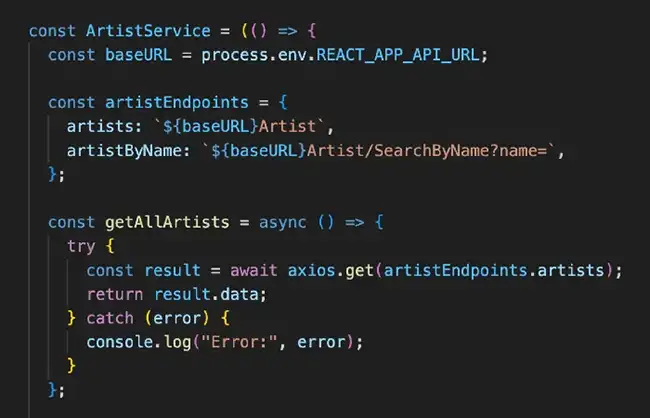
With the backend working, I set up the frontend using React and TypeScript. I created a service using Axios to fetch data from the backend and a context class to manage the state.
Building UI Components
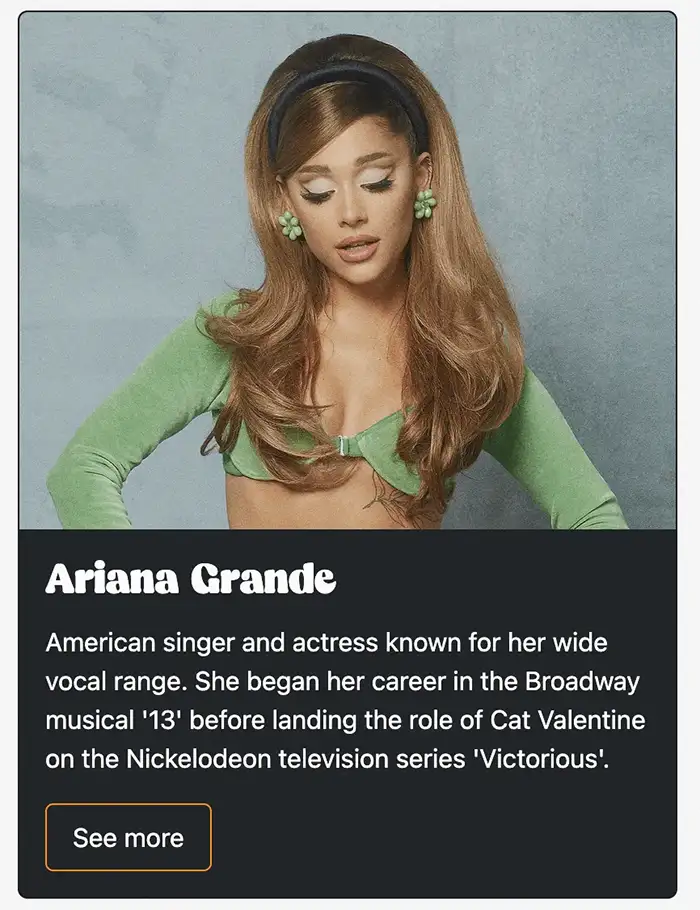
I built UI components such as ArtistItem and ArtistList to display artists. These components used the service and context to fetch and manage data.
Adding Functionality
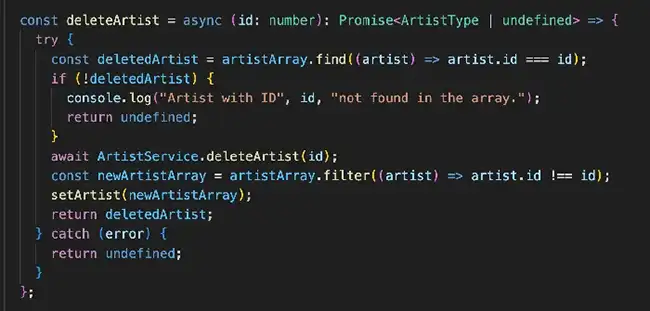
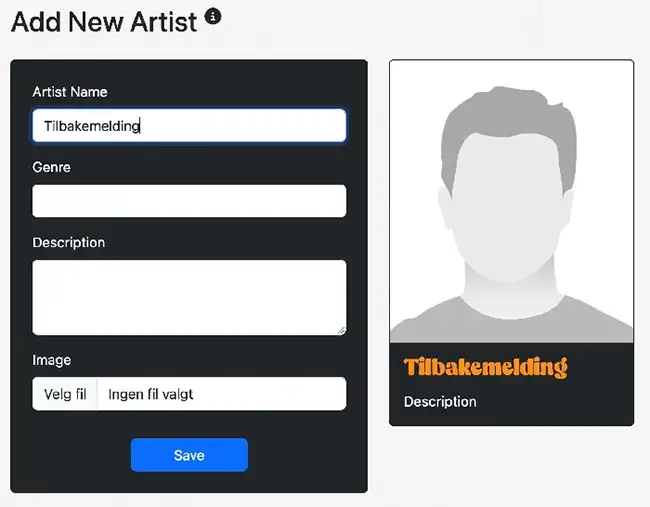
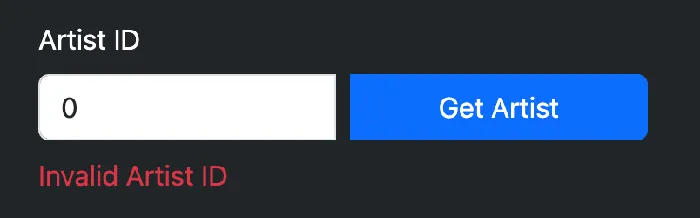
I added functionality for searching, adding, updating and deleting artists. This included setting up form components and implementing error handling and user feedback.
Enhancing UX
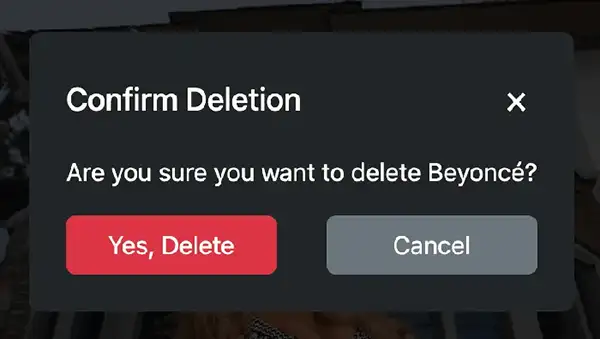
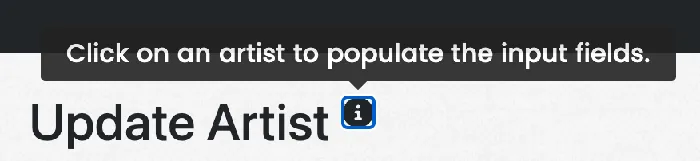
I refined the user experience by adding confirmations for delete actions, tooltips and error handling. This made the application more user-friendly and robust.
Applying Design Principles
Throughout the project, I applied design principles and best practices to ensure a high-quality user interface. This included using consistent design patterns and ensuring accessibility.
Future Improvements
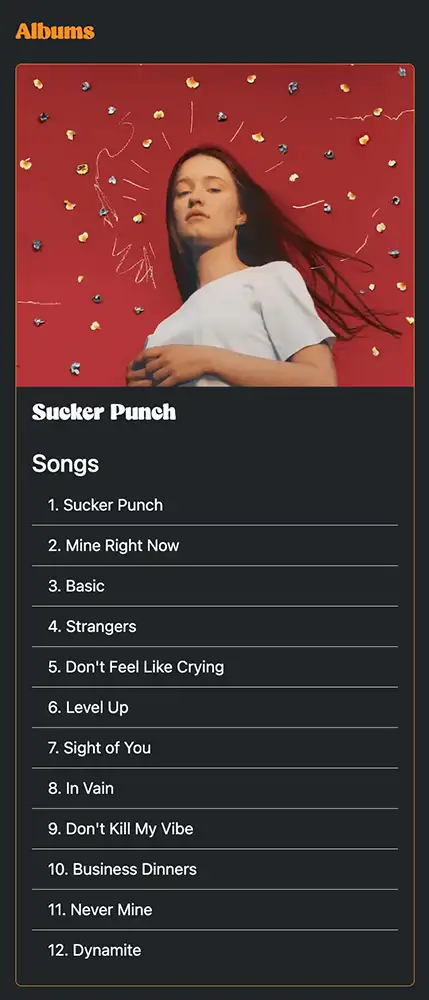
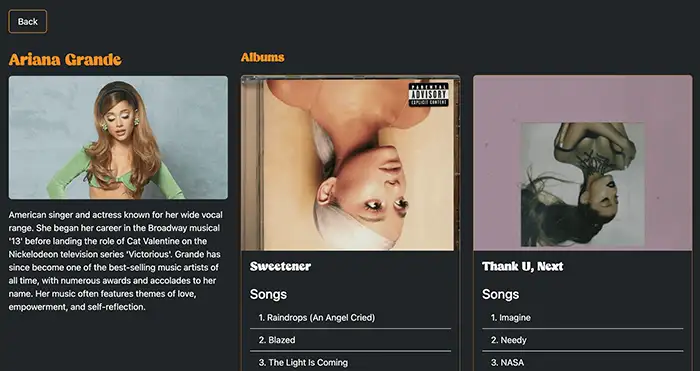
Currently, the application lets you view artists, albums and songs, but CRUD operations for albums and songs are not implemented yet. Future improvements include adding these operations and further refining the user experience.